· Glossary · 3 min read
What Is an API Gateway?
An API Gateway acts as an API front-end, receiving requests, enforcing policies, routing to backend services, and returning responses, serving as the central entry point for microservices architectures.
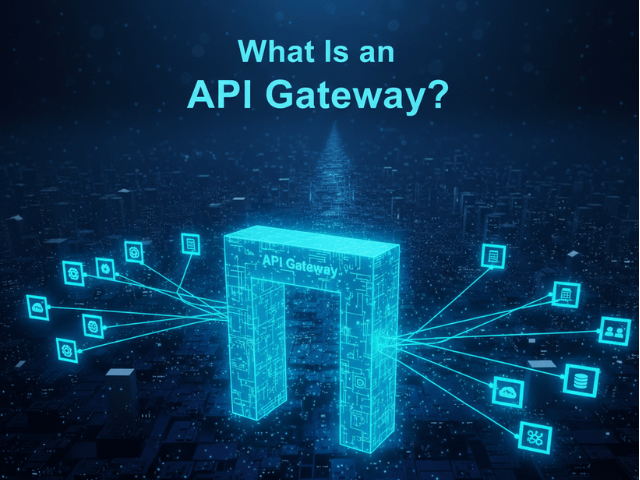
When you walk into an office building, you do not just wander around looking for the person you want to meet. You stop at the reception desk. The receptionist checks your ID, calls the person, and tells you which elevator to take. In software, an API Gateway is that receptionist.
Simple Definition
An API Gateway is a server that acts as an API front-end, receives API requests, enforces throttling and security policies, passes requests to the back-end service, and then passes the response back to the requester. In a microservices architecture, you have dozens of backend services. You do not want the client (like a mobile app) to talk to them directly. That would be messy and insecure. Instead, the client talks to the Gateway. The Gateway routes the traffic.
The Doorman for Your Backend Services
It creates a single entry point. The client says “I want user data.” The Gateway knows “Okay, that lives on Service A.” The client says “I want order history.” The Gateway knows “That lives on Service B.” This abstraction is powerful. The backend teams can change their server structure without breaking the client app because the Gateway hides the complexity.
Key Functions
Why add this extra hop? Because it does a lot of heavy lifting.
- Routing: Directing traffic to the right microservice.
- Authentication: Checking if the user is logged in. Instead of implementing login logic in every single microservice, you do it once at the Gateway.
- Rate Limiting: Preventing one user from spamming the API and crashing the system.
- Transformation: Converting data formats (e.g., XML to JSON) before it hits the legacy backend.
Visualizing an API Gateway
In diagrams, the Gateway is a critical component.
The entry point in a System Architecture Diagram
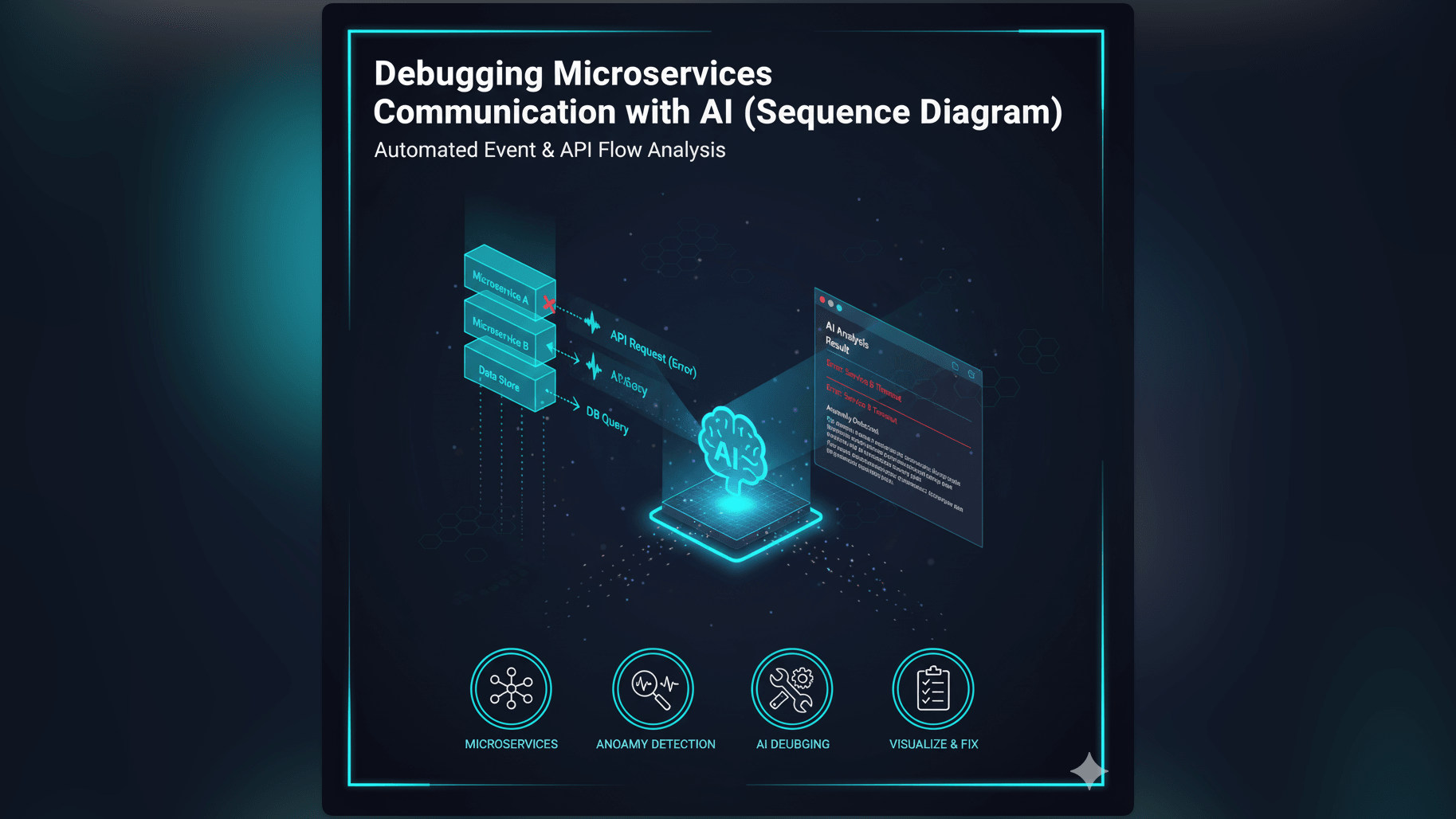
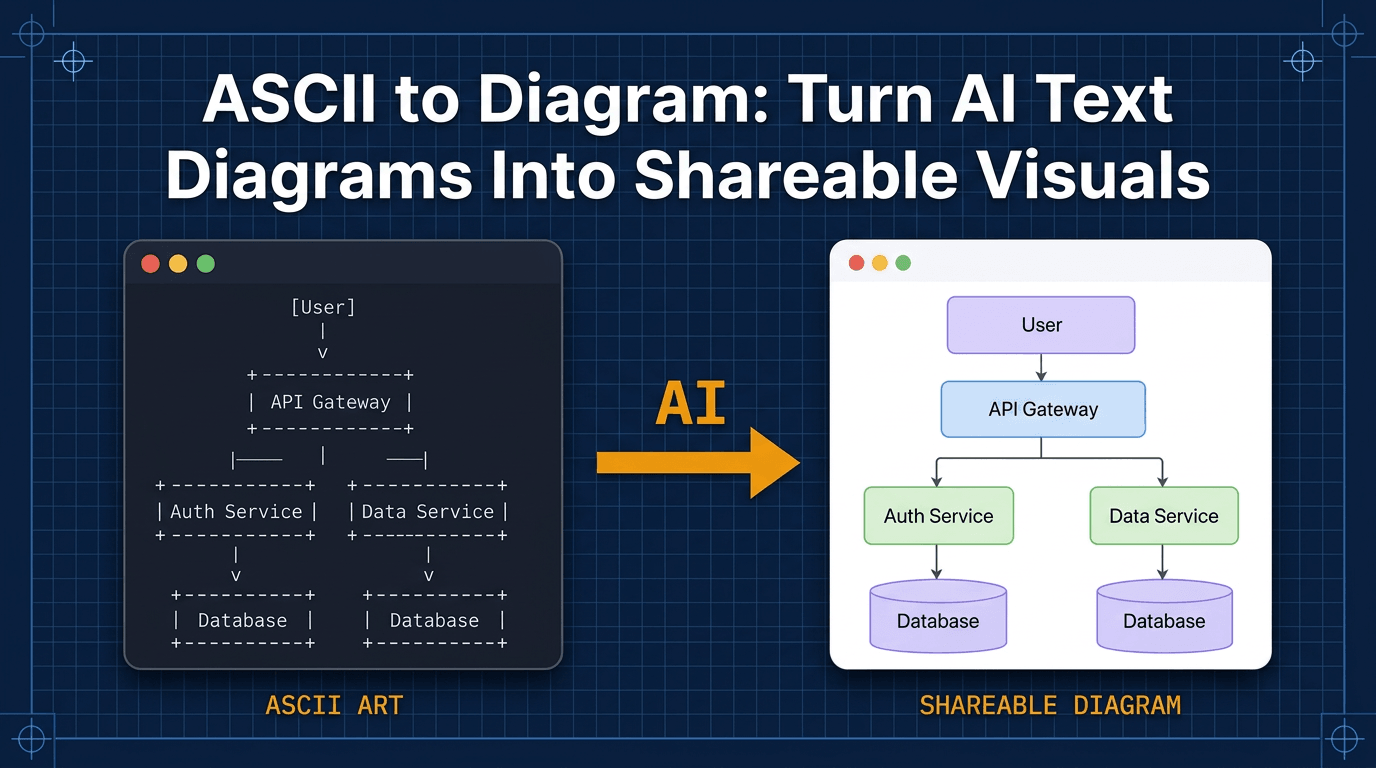
In a system architecture diagram, the API Gateway is usually drawn at the edge of your cloud network. It sits between the “Client” (on the left) and the “Microservices” (on the right). All arrows from the client must go through the Gateway box. This visual bottleneck highlights its importance. If the Gateway goes down, nobody gets in. In a sequence diagram, you often show the request hitting the Gateway first before being forwarded to the Auth Service or User Service.
Related Terms
To understand network traffic, you should know these terms.
- Microservices: The backend services that sit behind the Gateway.
- REST API: A standard way for computers to communicate over the web.
- Load Balancer: A device that distributes network traffic across a number of servers. Often works in tandem with a Gateway.
- Reverse Proxy: A server that sits in front of web servers and forwards client requests. An API Gateway is a specialized type of reverse proxy.
For more on visualizing API traffic flows, check out our Developer’s Guide: The Programmable Diagram: A Developer’s Guide to D2 and Text-Based Visuals.