· Glossary · 3 min read
What Are Microservices?
Microservices is an architectural style that structures an application as a collection of loosely coupled, independent services, offering scalability but introducing complexity compared to monolithic applications.

For a long time, software was built as a single giant block. If you wanted to change the font color on the homepage, you had to redeploy the entire billing system. Microservices appeared as the solution to this rigidity.
Simple Definition
Microservices is an architectural style that structures an application as a collection of loosely coupled services. Instead of one “Mega App,” you have dozens of tiny apps talking to each other. You might have a “User Service” that only handles logins. You might have an “Order Service” that only handles transactions. You might have an “Email Service” that only sends messages. Each service is self-contained. It has its own code. It often has its own database. It can be written in a different language. The User Service might be in Python, while the Order Service is in Java.
Small, Independent Services Working Together
The key word is “Independent.” If the Email Service crashes, the Order Service keeps running. You can deploy a fix to the User Service on a Tuesday without coordinating with the team that runs the Inventory Service. They communicate over the network, usually via REST APIs or message queues.
Pros and Cons
Microservices are not a silver bullet. They trade one set of problems for another.
Scalability vs. Complexity
- The Good: Scalability. If your “Search” feature is getting hammered by traffic, you can spin up 50 more instances of the Search Service without touching the rest of the app. This is cost-efficient and powerful.
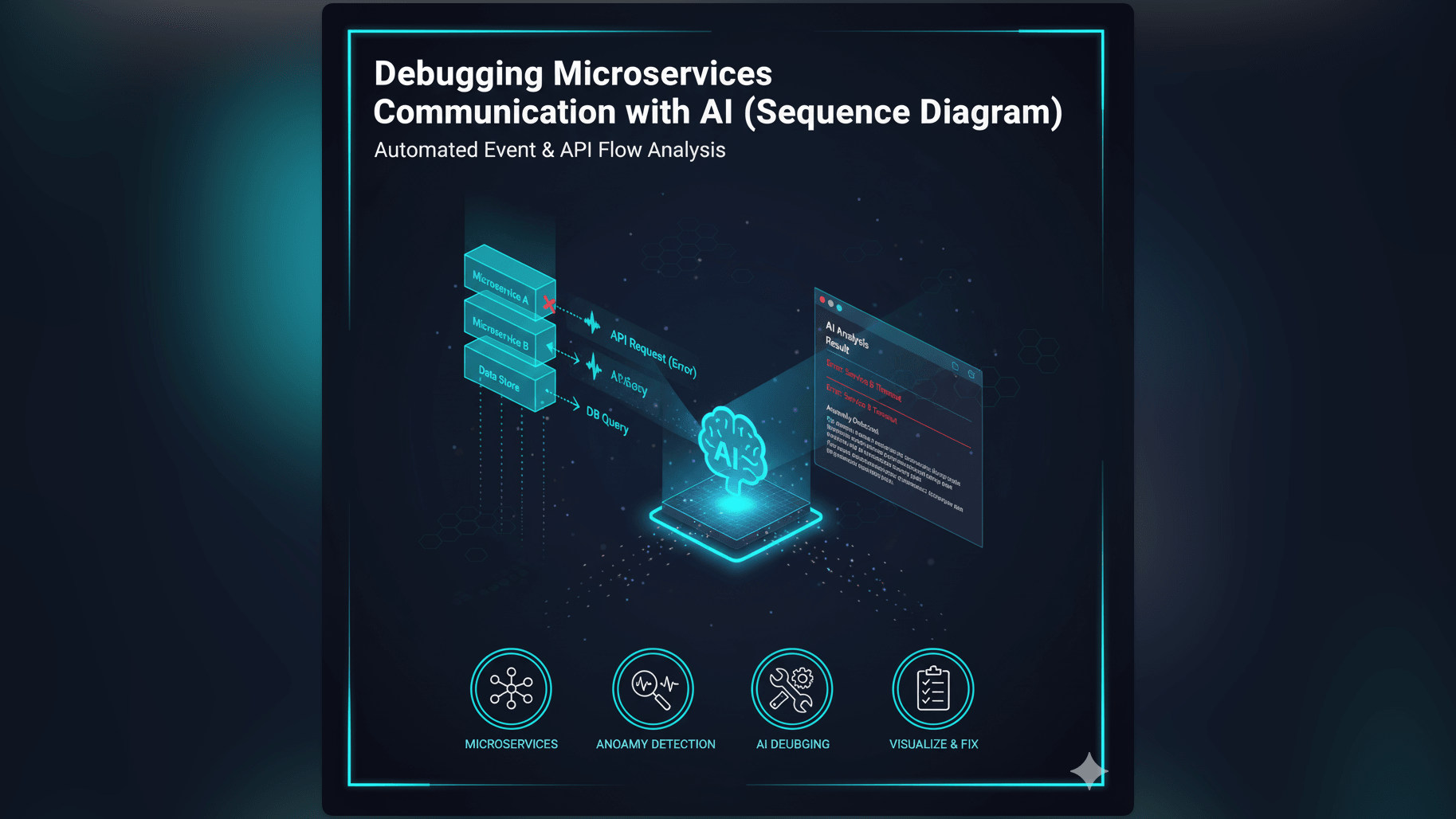
- The Bad: Complexity. Managing 50 services is harder than managing one. You have network latency. You have distributed transactions. You have the “Who owns this?” problem. Debugging becomes a murder mystery where you have to trace a request across five different servers.
Visualizing Microservices
Because the system is distributed, you cannot just “read the code” to understand it. You need a map.
Using topology diagrams to map the mesh
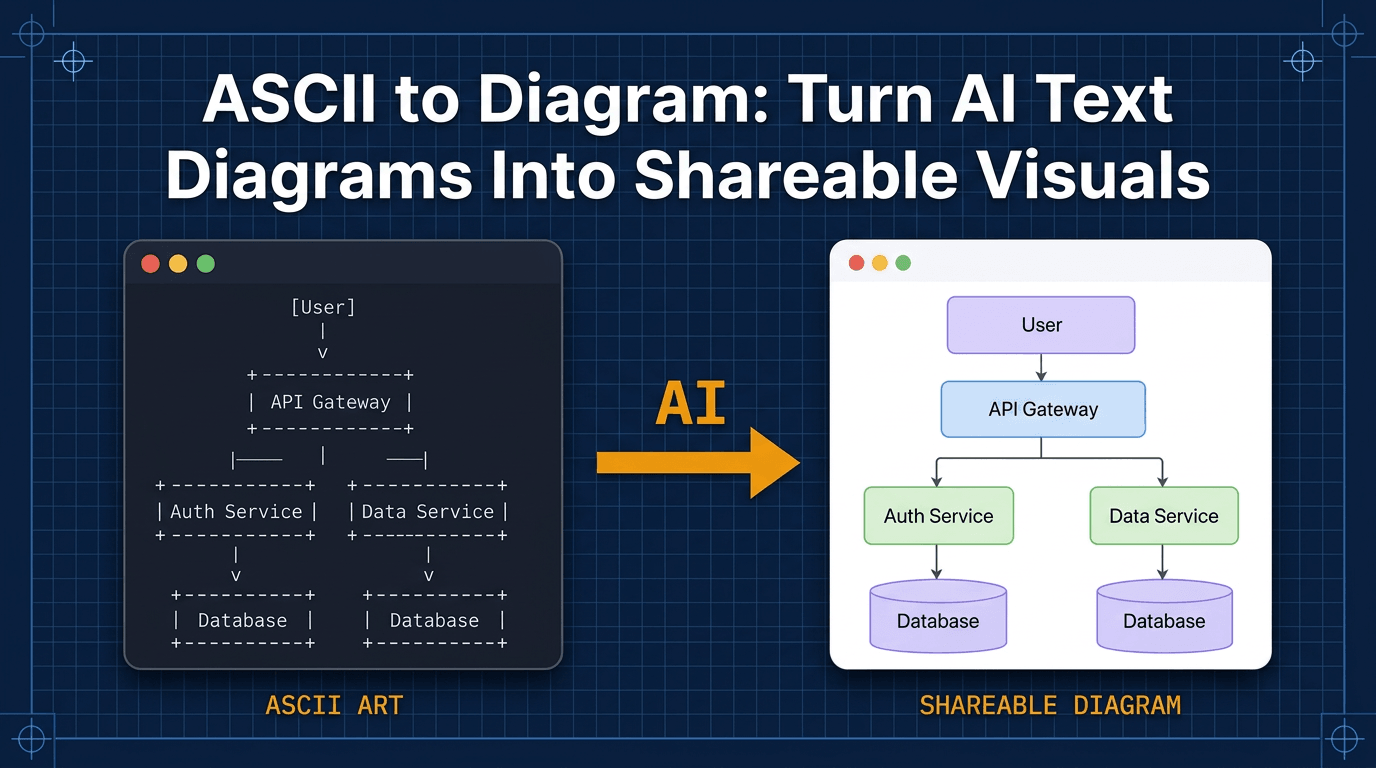
In a system architecture diagram, microservices are drawn as a mesh. For an example, see Microservices vs. Monolith: Visualizing the Migration. You see a cluster of boxes.
- API Gateway: The front door.
- Service Boxes: The individual apps.
- Database Cylinders: The data stores attached to specific services. The arrows show the dependency graph. Seeing that “Service A” calls “Service B” helps you understand the ripple effects of a deployment. If Service B goes down, you know Service A will fail.
Related Terms
To navigate the distributed world, you need these terms.
- Monolith: The opposite of microservices. A single, unified codebase.
- API Gateway: A server that acts as an entry point for clients, forwarding requests to the appropriate microservices.
- Containerization: Technologies like Docker that allow you to package microservices into lightweight, portable units.
- Service Mesh: A dedicated infrastructure layer for handling service-to-service communication.
For more on how to draw these complex architectures, check out our Developer’s Guide: The Programmable Diagram: A Developer’s Guide to D2 and Text-Based Visuals.