· Engineering Management · 7 min read
How AI Diagram Tools Transform Software Architecture Design Reviews
Stop arguing over stale whiteboards. Learn how design review automation and AI software architecture tools allow you to visualize changes in real-time and document decisions instantly.
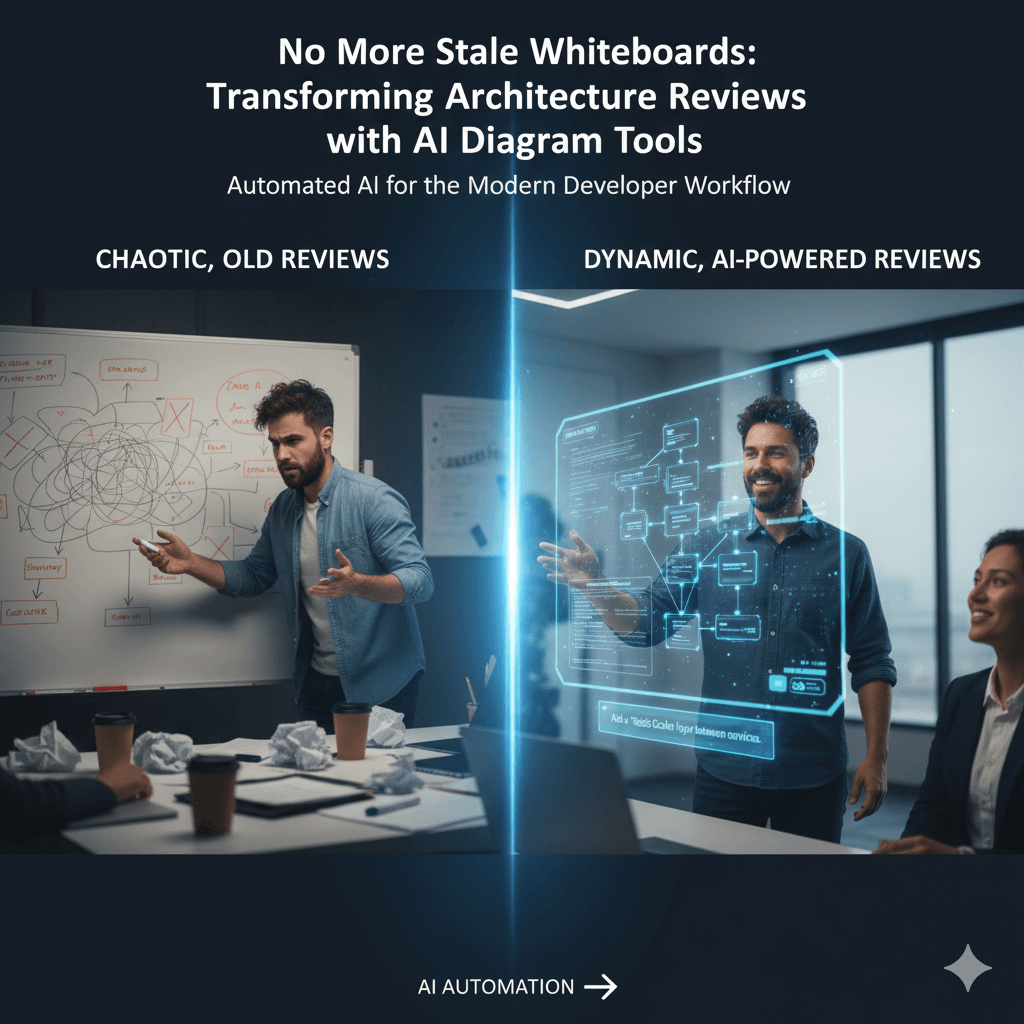
I have probably sat in a hundred of these meetings over the years. The architecture review. It’s one of the most important meetings a software team can have, but it’s often one of the most frustrating. You walk into a room, and the first thing you see is the ghost of the last meeting still half erased on the whiteboard. Someone pulls up a diagram on the screen from the company wiki, and the lead architect immediately says, “Oh, that’s not right anymore. We deprecated that service last quarter.” And so begins the painful process of trying to design the future while arguing about the past. It feels like we’re trying to navigate a new city using a hand drawn map from memory.
Tl;dr
Don’t have the time to read the whole thing? Here’s the core idea. Traditional architecture reviews are slow and unproductive because they are based on stale information from whiteboards and outdated diagrams. AI diagramming tools completely change this. You start the meeting by instantly generating a fresh, accurate diagram directly from your code. Then, as the team discusses ideas, you can modify the diagram in real time using simple text prompts. This lets you explore “what if” scenarios on the fly. The meeting ends, and the final diagram is already done, becoming the official record of the decisions made. It turns a static presentation into a dynamic, collaborative working session.
Read More: Ultimate Guide to AI diagramming tools
Introduction: The Friction in Architecture Design Reviews
That scene I described is not an exaggeration, is it? We’ve all lived it. The architecture design review is supposed to be this crucial moment of strategic alignment, where the brightest minds on the team come together to make foundational decisions. In reality, it often gets bogged down by incredible amounts of friction.
The process is filled with bottlenecks. The tools we use, the whiteboard and the static diagram, were never really designed for the dynamic, fluid nature of a design conversation. We spend more time fighting our tools than we do exploring ideas. This isn’t just inefficient; it’s a major barrier to innovation and speed. This article is about how a new approach, powered by AI, can remove that friction and transform the entire process.
The “Before” State: 4 Pain Points of Traditional Reviews
Before we look at the solution, I think it’s important to really sit with the problems of the old way. It’s what we’re all used to, but that doesn’t mean it’s good.
1. The Stale Diagram Problem
This is probably the biggest issue. The review almost always begins with a diagram that no longer reflects reality. It might be an image in a Confluence page or a file in a shared drive. Whatever it is, it’s a snapshot from the past. The first twenty minutes of the meeting, the most valuable time, is often wasted just getting everyone to agree on what the current state of the system actually is.
Explore More About: System Architecture Diagram
2. The Whiteboarding Bottleneck
In every meeting, there’s the “scribe.” This is the one person, usually the tech lead, who stands at the whiteboard, frantically drawing, erasing, and redrawing as ideas are thrown around. The conversation has to constantly pause and wait for the drawing to catch up. It breaks the natural flow of the conversation and puts a huge amount of pressure on one person to both participate in and document the discussion.
3. Lack of a Single Source of Truth
At the end of a traditional review meeting, what do you have? You have the drawing on the whiteboard. You have the old, now heavily-criticized diagram from the wiki. And then you have the actual code sitting in the repository. You now have three different versions of the truth, all of them conflicting in some way. Which one is the real one?
4. Post-Meeting Documentation Lag
The meeting ends, and everyone feels a sense of accomplishment. But the work isn’t over. Someone is now tasked with the chore of taking a blurry photo of the whiteboard and spending the next two hours trying to recreate it digitally in a proper tool. Let’s be honest, this task is often delayed. Sometimes it’s forgotten entirely. The valuable output of the meeting evaporates because the cost of documenting it is too high.
The “After” State: How AI Upgrades the Entire Process
Now, let’s imagine a different kind of meeting, one powered by an intelligent diagramming tool.
1. Start with the Ground Truth
The review meeting begins. The facilitator shares their screen, opens AIDiagramMaker, and connects it to the team’s GitHub repository. They click a button. A few moments later, a fresh, clean architecture diagram appears, generated directly from the current main branch. There is no debate about what’s real. Everyone is instantly looking at the actual, current state of the system. The meeting starts from a position of shared understanding.
Explore More: Saas architecture diagram
2. Facilitate with Real-Time Generation
As the team starts discussing a proposed change, the facilitator doesn’t go to a whiteboard. They just type. The team lead says, “I think we need to add a Redis cache here to take the load off the User Service.” The facilitator types a prompt right onto the diagram:
“Okay, let’s see that. Add a Redis cache between the API Gateway and the User Service.”
The diagram instantly refactors itself, adding the new component and its connections. The conversation never stops. The visual aid keeps pace with the ideas, allowing the team to see the implications of their suggestions in real time.
3. Instantly Compare “What-If” Scenarios
This is where things get really powerful. The team might be debating two different approaches to a problem. In a traditional setting, this would mean laboriously drawing both options on the whiteboard. With an AI tool, you can explore alternatives almost instantly.
Someone might ask, “This looks good, but what if we used a message queue like RabbitMQ instead of direct API calls between these services?” The facilitator can save the current state, and then type a new prompt to generate the alternative view. The team can look at both versions side by side, having a much more concrete and informed debate about the trade offs.
4. The Diagram is the Meeting’s Output
The meeting comes to a close. The team has agreed on a final design. And here’s the best part: the documentation is already finished. The final, agreed upon diagram on the screen is done. The facilitator hits save. That diagram can be shared immediately. Even better, its version history serves as a de facto record of the meeting’s minutes, showing how the design evolved over the course of the conversation. The gap between decision and documentation is closed completely.
Explore More About: Diagram version history
A Modern Workflow for an AI-Powered Design Review
This new process is not just better; it’s faster and simpler.
- Preparation (5 minutes): Before the meeting, the facilitator generates the baseline architecture diagram from the main code branch.
- During the Meeting (Real-time): They use conversational prompts to iterate on the design, add components, and explore different options live with the team.
- Conclusion (1 minute): The facilitator saves the final state of the diagram. The revision history now contains a log of the key decisions made.
- Follow-up (2 minutes): A link to the final, interactive diagram is shared in the team’s Slack channel or attached to the relevant project ticket.
Conclusion: Better Architecture Through Better Conversation
The transformation here is subtle but profound. AI diagramming tools remove the manual, frustrating friction of visualization from the architecture review process. By doing so, they allow the team to focus one hundred percent of its collective brainpower on what actually matters: the quality, scalability, and integrity of the architecture itself.
The result is meetings that are more engaging, decisions that are made faster, and outcomes that are clearer. And perhaps most importantly, you end up with documentation that actually gets created, is always accurate, and truly reflects the consensus of the team. It’s time to lead your most productive architecture review ever.