· Glossary · 4 min read
What Is Object-Oriented Design (OOD)?
Object-Oriented Design (OOD) is a software design philosophy that organizes complex logic into manageable objects. Learn the core pillars of OOD encapsulation, inheritance, polymorphism, and abstraction.
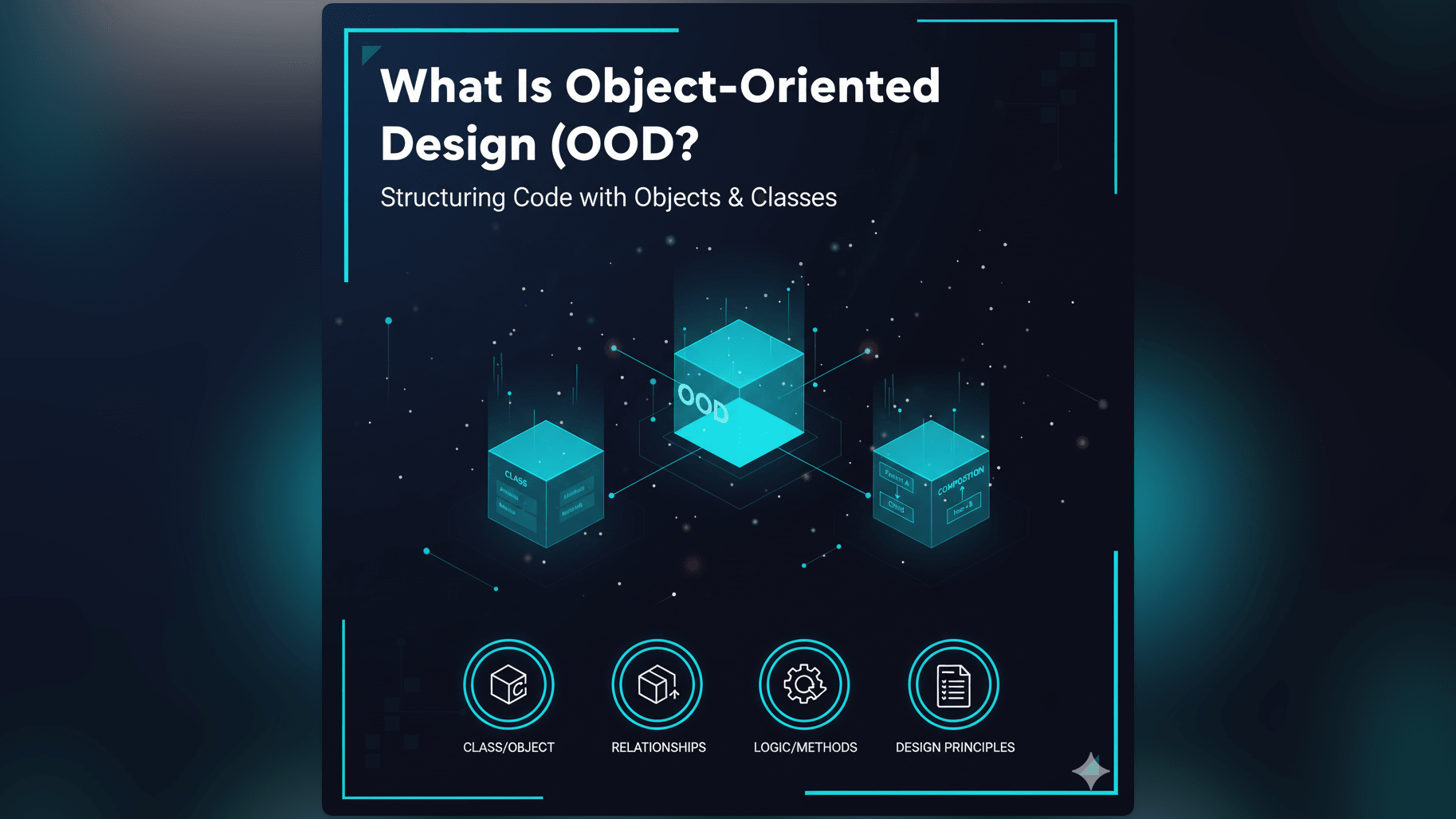
Writing code is easy but designing software is hard. As programs grow, they tend to become messy and difficult to maintain. Object-Oriented Design or OOD is a strategy to prevent this mess. It is a way of thinking that helps developers organize complex logic into manageable pieces.
Simple Definition of Object-Oriented Design
Object-Oriented Design is a software design philosophy that organizes software around “data” or objects rather than functions and logic.
In older programming styles, developers focused on the actions: Step 1 do this, Step 2 do that. In Object-Oriented Design, developers focus on the things. What are the objects in this system? How do they interact?
A Programming Paradigm Focused on “Objects”
An “Object” is simply a digital representation of a concept. It bundles data (attributes) and behavior (methods) together.
If you were building a library app, you wouldn’t just write a list of unconnected functions. You would design a Book object. That object would hold data like the title and author. It would also hold behaviors like checkout() or return().
Why OOD is Fundamental to Modern Software Development
Most modern enterprise systems, from banking apps to video games, are built using OOD.
Modularity, Reusability, and Maintainability Benefits
The main goal of OOD is to make code reusable. If you design a robust User object for one project, you can easily drop that same object into a new project.
It also makes maintenance easier. Because the data and logic are bundled together inside the object, if you need to fix a bug in the login() function, you know exactly where to look. You don’t have to search through a million lines of global code.
Principles: Encapsulation, Inheritance, Polymorphism, Abstraction
OOD relies on four major pillars:
- Encapsulation: Keeping the internal details of an object hidden from the outside world.
- Inheritance: Allowing a new class to adopt the properties of an existing parent class.
- Polymorphism: Allowing different objects to be treated as the same type.
- Abstraction: Hiding complex reality behind a simple interface.
Real-World Example: Designing a Car System with OOD Principles
Let’s imagine you are writing software to simulate traffic. Using OOD, you would start by defining a Vehicle class. This is your blueprint.
Objects like “Engine,” “Wheel,” “Driver”
Then you would use Inheritance to create specific types. A Car is a Vehicle. A Truck is a Vehicle. They both inherit basic traits like speed but they might implement accelerate() differently.
You would also use Composition. A Car object isn’t just a single block of code: it is composed of other objects. It has an Engine object. It has four Wheel objects.
This structure allows you to swap parts easily. If you want to upgrade the car, you can simply replace the Engine object with a more powerful V8Engine object without breaking the rest of the car’s code.
How AI Diagram Maker Supports OOD Visualization
The challenge with OOD is that it can get abstract. It is hard to see these relationships just by looking at code.
Generating UML Class Diagrams to Represent OOD
This is where visualization becomes critical. The standard way to draw OOD is using a UML Class Diagram. With our AI Class Diagram Generator, you can instantly visualize your design.
You can describe your objects in plain English or paste your code. The AI generates the diagram showing the boxes (Classes) and the lines (Relationships). It visually represents Inheritance with specific arrows and Composition with diamond shapes. This allows architects to verify that their design follows OOD principles before they commit to writing the full application.
Related Terms
To understand OOD deeply, you should know these terms:
- Object-Oriented Programming (OOP): The actual act of writing code using OOD principles. OOD is the design phase while OOP is the implementation phase.
- UML Class Diagram: The visual chart used to model the static structure of an OOD system. Read more about Class Diagrams.
- Class: The blueprint or template used to create objects.
- Inheritance: The ability for one class to inherit fields and methods from another.
- Encapsulation: The practice of restricting access to certain components of an object to protect the data integrity.
For more on how to visualize these software architectures, check out our Pillar Page.