· Team Collaboration · 8 min read
From Concept to Code: Using AI Diagrams to Align Product and Engineering Teams
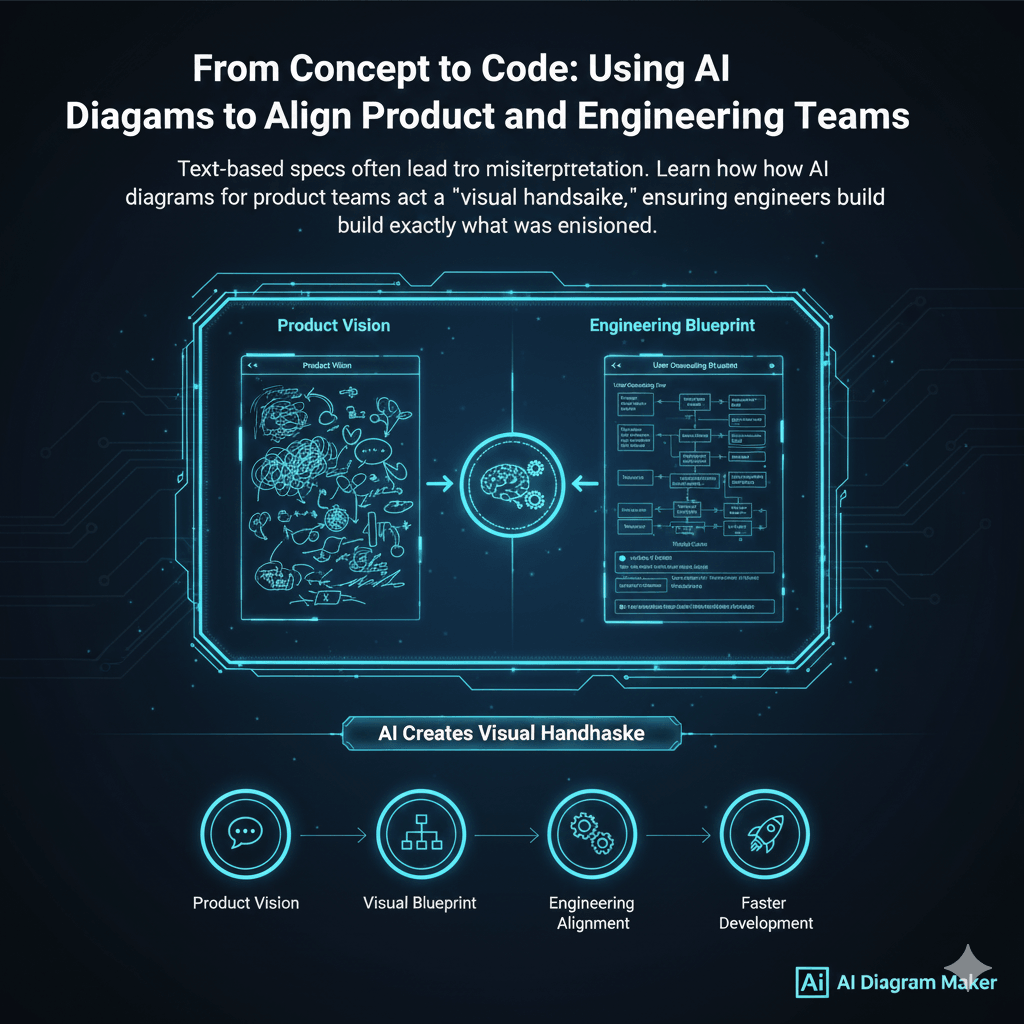
Text-based specs often lead to misinterpretation. Learn how AI diagrams for product teams act as a "visual handshake," ensuring engineers build exactly what was envisioned.
I can still remember this one project from years ago. We had a brilliant product manager. He spent weeks talking to users, gathering data, and crafting this incredibly detailed 20 page specification document. It was a work of art. The engineering team took the document, went away for a sprint, and came back with a feature that, on paper, checked every single box. It did everything the spec said it should do. The only problem was, it was completely unusable. The workflow was clunky, and it completely missed the spirit of what the users actually needed. It was a classic case of a perfect translation that somehow lost the entire meaning of the story. That communication gap, that small canyon of misunderstanding between the “what” and the “how,” is probably the most expensive problem in the entire software industry.
Tl;dr
If you’re short on time, here’s the deal. Product specs written only in text are often ambiguous and fail to communicate the real user workflow, leading to expensive rework. AI-generated diagrams solve this. A product manager can turn their raw notes into a clear flowchart in seconds, without any design skills. This diagram then becomes a “visual handshake,” a shared blueprint that both product and engineering can review and refine together. This process ensures everyone is aligned on the actual user experience before a single line of code is written, which leads to building the right thing, faster.
Explore More About Ultimate Guide to AI-generated diagrams
Introduction: The Billion-Dollar Misunderstanding
That story I told isn’t unique. It’s almost a cliche in the tech world. A product manager writes down the requirements, the “what.” The engineering team takes those requirements and builds the “how.” The problem is that a huge amount of context, nuance, and unspoken understanding gets lost in that handoff.
We’ve tried to solve this for decades with more detailed specs, with user stories, with agile ceremonies. And they all help, a little. But the fundamental problem remains: we are trying to describe a dynamic, interactive process using a static, linear document.
This communication gap is not just a minor frustration. It’s a multi billion dollar problem that manifests as wasted engineering cycles, features that miss the mark, and a slow drag on a company’s ability to innovate. What we’ve always needed is a kind of universal translator, something that can sit between the product vision and the technical implementation to ensure they are perfectly in sync. I think AI generated diagrams are, for the first time, that translator.
Why Text-Only Product Specs Fail
Before we get into the solution, it’s worth thinking about why the old way is so flawed. Why do these carefully written documents so often lead to the wrong outcome?
For one thing, written language is just naturally full of ambiguity. A product manager might write that a process should be “seamless” or “quick.” To them, that means one thing. To an engineer, it might mean something completely different. One person’s “intuitive” is another person’s “confusing.”
There’s also the problem of hidden complexity. A simple, innocent looking sentence in a spec, like “The user uploads a photo,” can hide a dozen or more technical steps. What are the size and format validations? How is the image resized? Where is it stored? How is it served through a CDN? A text document makes it easy to gloss over these crucial details, which then become surprises for the engineering team down the road.
And let’s be honest, there’s the engagement factor. Very few people, if anyone, actually enjoy reading a 20 page technical spec from top to bottom. They get skimmed. Details are missed. This isn’t because people are lazy; it’s because it’s not an effective way to transmit complex, procedural information.
Explore More Details about the Text-Only Product Specs
The Visual Handshake: An AI-Powered Alignment Workflow
So how do we fix this? The idea is to introduce a new step early in the process, a step that creates a visual blueprint that everyone can agree on. I like to think of it as a visual handshake between product and engineering.
Step 1: The PM’s Vision (From Notes to Flowchart)
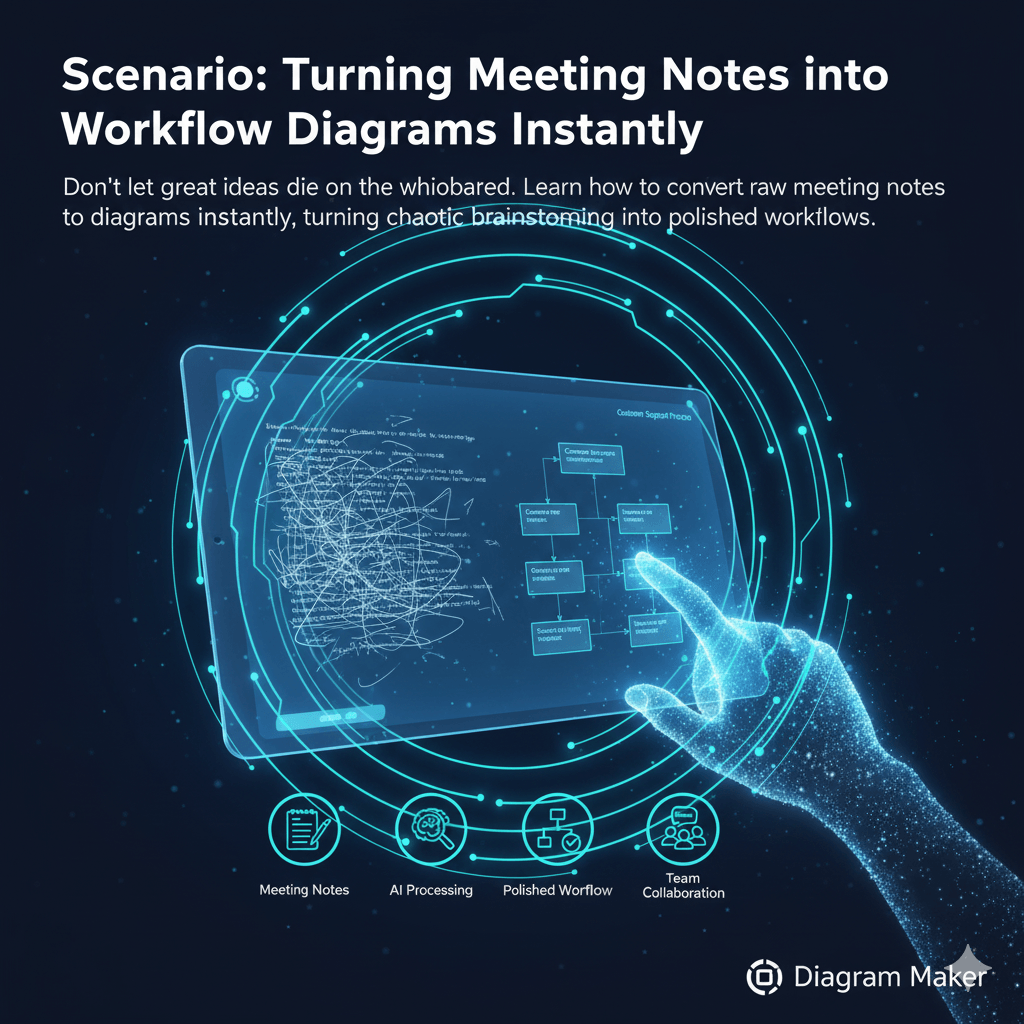
Let’s imagine a product manager, let’s call her Sarah, has just finished a brainstorming session about a new user onboarding flow. Her notepad is full of messy bullet points and arrows. In the old days, her next step would be to spend a few hours trying to formalize this into a structured document.
Instead, she opens AIDiagramMaker. She takes her raw notes and pastes them in with a simple instruction.
Prompt: “Create a flowchart for our new user onboarding process based on these notes…” followed by her scribbled notes.
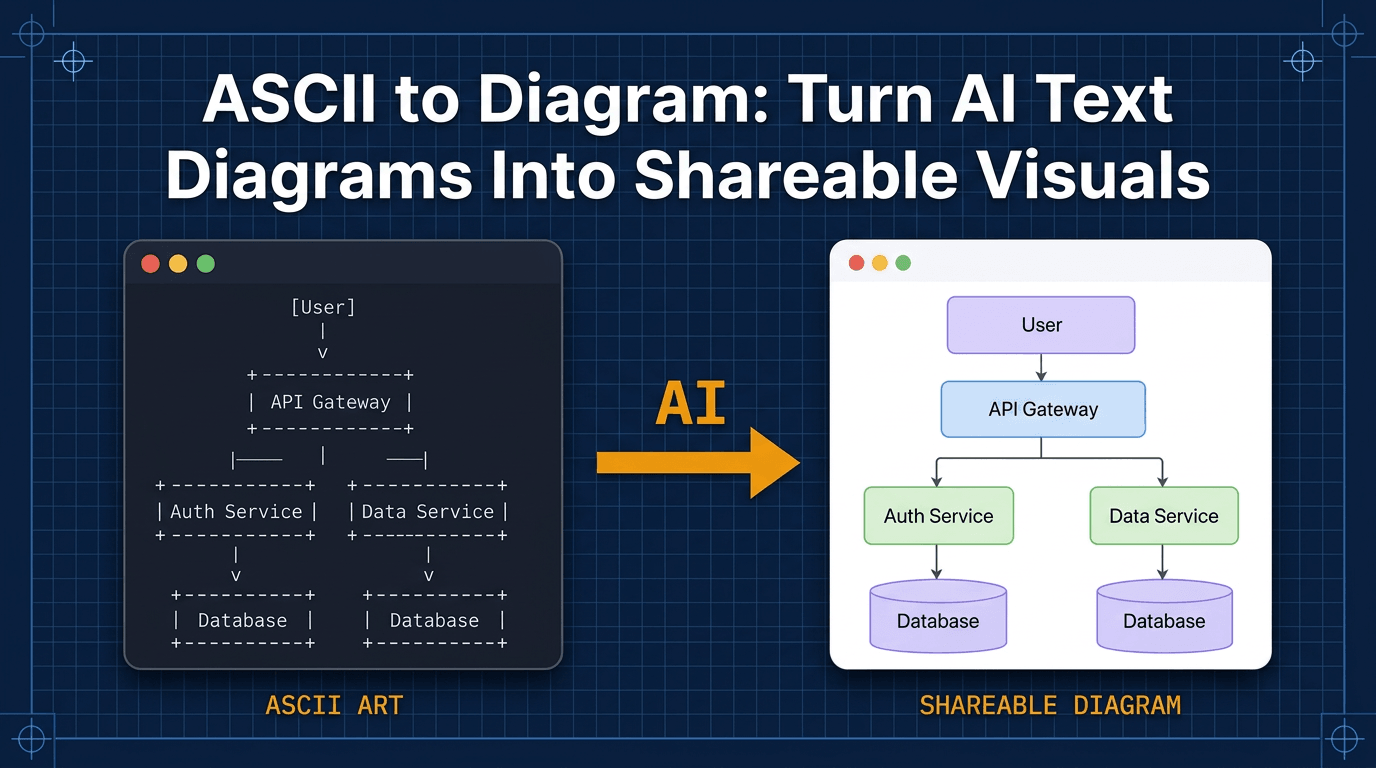
A few seconds later, the AI returns a clean, logical, perfectly formatted flowchart. It has identified the steps, the decision points, and the different paths a user can take. Sarah didn’t need any design skills. She didn’t have to drag a single box. She just had to describe the process.
Example scribbled notes:
- User lands on signup page
- Enters email, password, name
- Clicks “Sign Up”
- If info invalid, show error and let user try again
- If valid, create user account and send verification email
This prompt will generate a flowchart that clearly shows each step, including error handling and the email verification loop. Both product and engineering teams can review and refine this diagram together, ensuring nothing is missed before development begins.
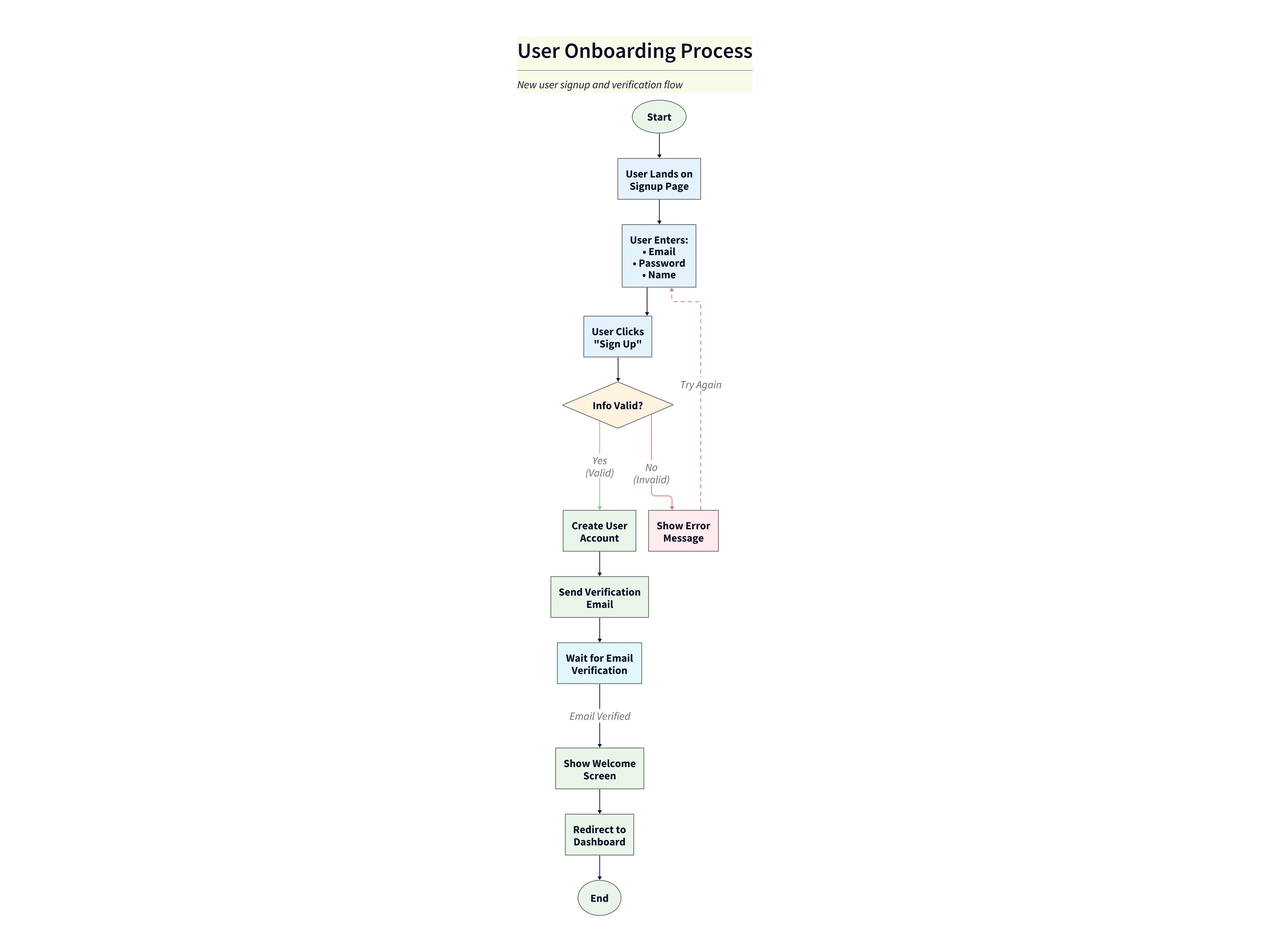
Diagram Explanation:
- The flowchart visually maps the entire onboarding journey, from landing on the signup page to reaching the dashboard.
- Decision points (like info validation) and error handling are clearly shown, making it easy to spot where users might get stuck.
- The email verification loop is explicit, helping teams ensure no step is missed.
- This visual makes it simple for both product and engineering to discuss, refine, and align on the process before any code is written.
Step 2: The Joint Refinement Session
Now for the most important part. Sarah takes this AI generated diagram and schedules a short meeting with her tech lead, David. This diagram is now the centerpiece of their conversation. It’s not an abstract document; it’s a concrete map of the user’s journey.
David can look at the flowchart and immediately start seeing things from a technical perspective. He might point to one of the steps and say, “Okay, this step where you say ‘instantly show their personalized dashboard’ is going to be tricky. To make that feel instant, we are probably going to need a caching layer right here.”
Instead of just making a note of that, they can edit the diagram together, right there in the meeting. Sarah can say, “Good point, let’s add that.” She types a follow up prompt: “Add a ‘Redis Cache’ that feeds the ‘User Dashboard’.” The diagram updates in real time.
They continue this conversation, refining the diagram together, ensuring that both the business logic and the technical feasibility are captured in one shared visual.
Step 3: The Engineer’s Blueprint
By the end of that 30 minute meeting, they have a diagram that has been vetted by both product and engineering. This visual is now the official source of truth for the feature. It gets attached to the Jira ticket or the user story.
When a developer on David’s team picks up the ticket, they don’t have to decipher a long text document. They have a crystal clear, unambiguous visual guide that shows them exactly what they need to build and how it should work. The chance of misunderstanding has been reduced almost to zero.
The Benefits of a Shared Visual Language
This workflow isn’t just a neat trick; it has some really profound benefits.
It obviously reduces rework. Clarifying all that ambiguity at the diagram stage prevents the team from building the wrong feature in the first place.
It accelerates development. Engineers can build with more confidence and fewer “quick questions” to the PM, because the plan is so much clearer from the start.
It empowers product managers. I know many PMs who have a brilliant vision in their head but struggle to translate it into a visual because they feel they aren’t “designers.” This removes that barrier. If you can describe it, you can diagram it.
And finally, it creates a living document. As the feature evolves over time, it’s far easier to update a diagram with a quick text prompt than it is to revise a whole document. The diagram can serve as a permanent, easy to understand record of how the feature works.
Conclusion: Build in Sync, from the Very First Sketch
What we’re really talking about here is a shift in how we communicate. AI diagrams transform product specifications from static, ambiguous, and often ignored documents into dynamic, collaborative blueprints. They create a shared language that both product people and engineers can understand and contribute to.
This alignment, achieved right at the start of the process, is the key to shipping better products, faster, and with far less frustration. It’s about building in sync, right from the very first sketch.
Stop writing specs that get misinterpreted. Start your next feature with a clear, AI generated diagram that gets everyone on the same page.
Build in Sync, from the Very First Sketch from AI Diagram Maker