· Glossary · 6 min read
What is D2 (Declarative Diagramming Language)?
What is the D2 diagram language? A definition of the modern, open-source text-to-diagram language that powers the next generation of AI diagramming tools.
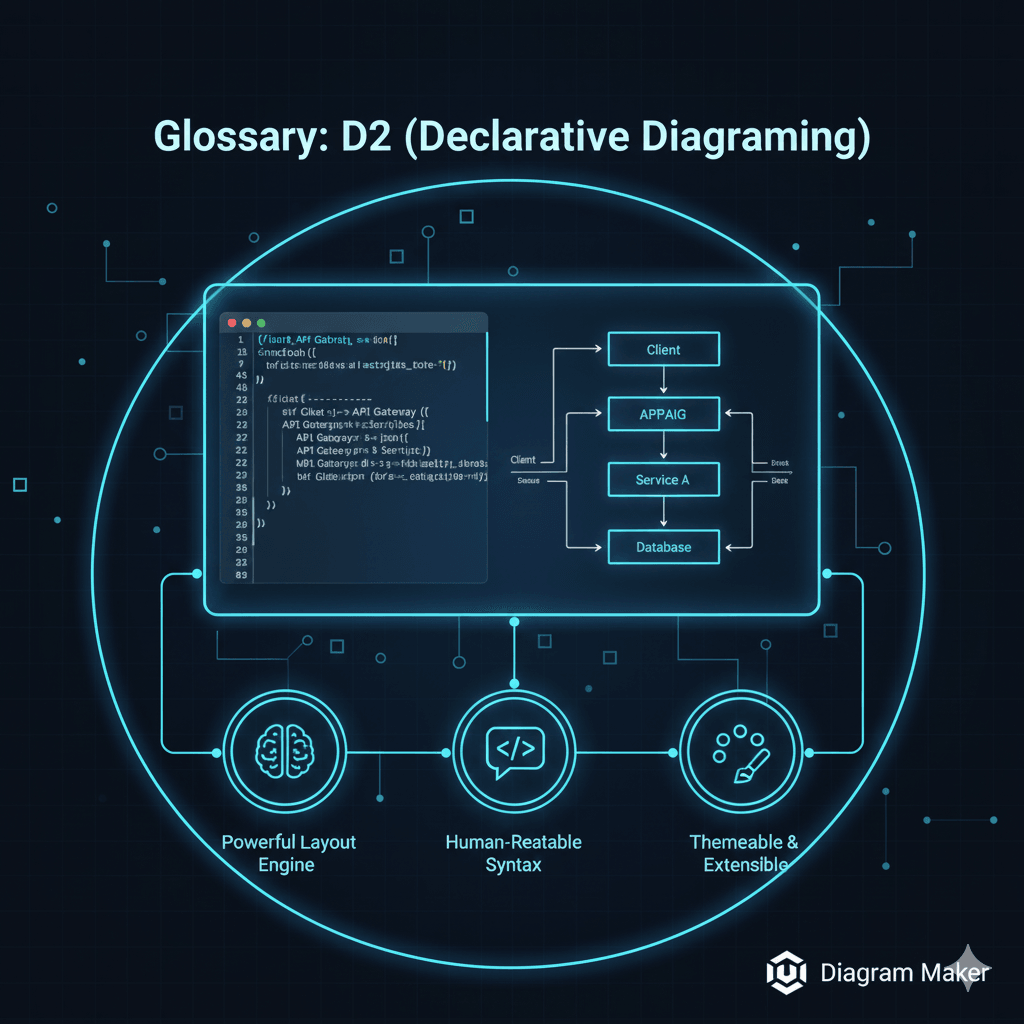
If you spend enough time around software engineering tools, you start to notice that there is a tool for everything. We have tools to lint our code. We have tools to bundle our assets. And we have a lot of tools for drawing boxes and arrows.
You might have heard of Mermaid. You have probably used Graphviz or PlantUML at some point. But recently, there has been a lot of noise about D2. It feels like the new kid on the block that everyone is suddenly talking about. I remember the first time I saw a D2 script. I was expecting the usual mess of brackets and strict syntax errors, but it just looked… readable.
D2 stands for “Declarative Diagramming.” It is an open source language created by a company called Terrastruct. The goal was to fix the things that made older text to diagram tools annoying to use. It is designed to be modern. It is designed to be hacked on. And most importantly, it is designed to turn simple text into complex, beautiful visuals without you needing a PhD in graphic design.
TL;DR
- The Concept: D2 is a programming language for diagrams. You write text to describe connections, and it renders the image.
- The Keyword: It is “Declarative,” meaning you describe what you want, not how to draw it.
- The Superpower: It has a highly advanced layout engine that automatically arranges shapes so they do not overlap or look messy.
- The Use Case: It is the perfect backend for AI tools because it provides a clean, structured way for computers to generate visuals.
Definition
To understand D2, you really have to understand the difference between “imperative” and “declarative” work.
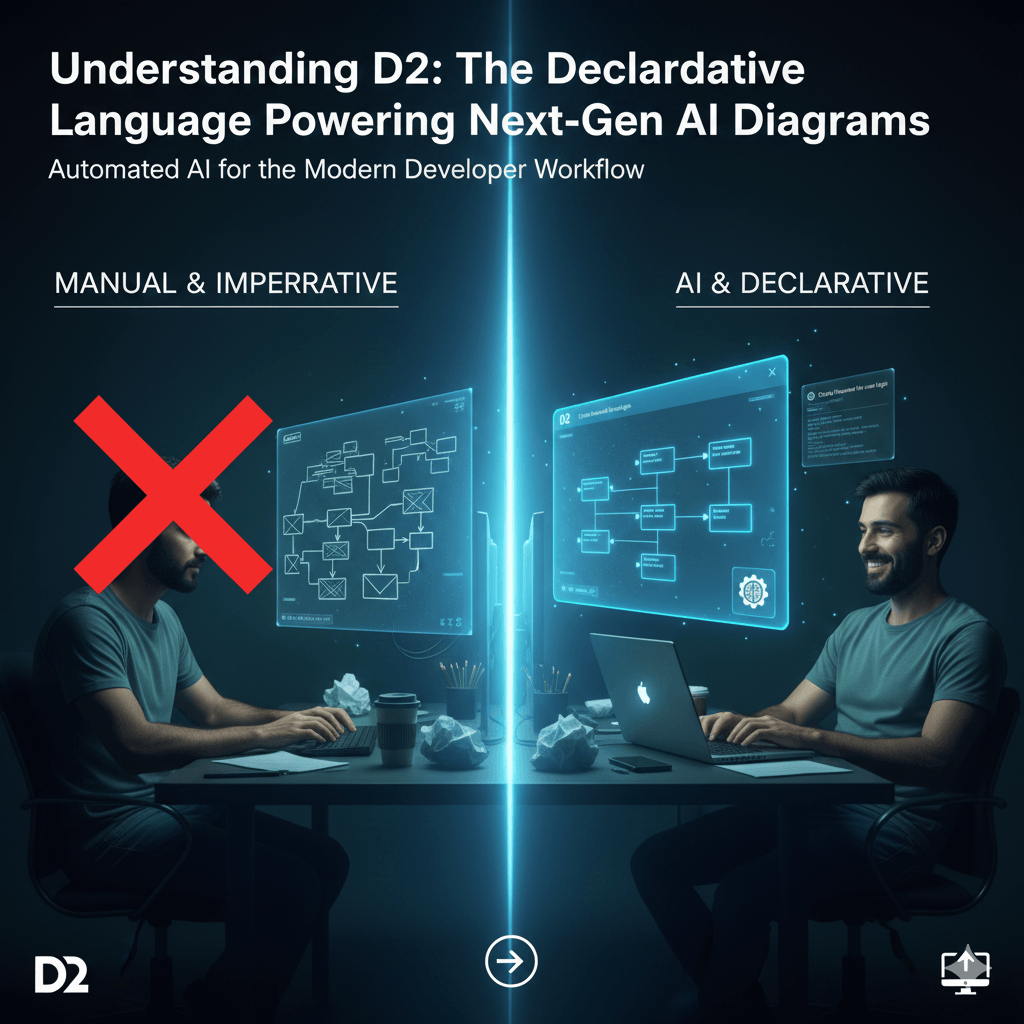
Most manual diagramming tools are imperative. Think of Microsoft Paint or Lucidchart. You are the one doing the heavy lifting. You click a mouse. You drag a box to pixel coordinate 50,50. You draw a line. You realize the line is crooked, so you move the box to 50,60. You are telling the computer exactly how to draw the picture, step by step.
D2 is declarative.
In a declarative system, you do not care about pixels. You do not care about x and y coordinates. You just care about relationships.
You tell D2 “I have a Server, and I have a Database, and the Server connects to the Database.” That is it. You declare the state of the world. The D2 engine takes that description and figures out the best way to visualize it. It decides where the server goes. It decides how the line should curve.
It is a lot like SQL. You tell the database what data you want, not how to iterate over the hard drive sectors to find it.
Key Features of D2
There are a few text to diagram tools out there, so why is D2 special? I think it comes down to three main things that make it feel modern compared to the older options.
Powerful Layout Engine
This is the big one. The hardest part of generating a diagram programmatically is the layout.
If you have five nodes, it is easy. If you have fifty nodes with a hundred connections, most engines turn that into a giant, unreadable spaghetti monster. Lines cross over each other. Text overlaps. It looks terrible.
D2 uses a very sophisticated layout algorithm. It seems to “understand” the visual weight of objects. It minimizes line crossings. It spaces things out logically. You can feed it a really complex architecture, and it usually spits out something that looks professional on the first try.
Human-Readable Syntax
Some diagramming languages feel like you are writing assembly code. They are strict and unforgiving. If you miss a semicolon, the whole thing breaks.
D2 is designed to be forgiving. It mimics how you would write a sentence. You do not need to define a shape before you use it. You can just start typing. It supports handy things like SQL syntax for databases or classes for code structures. It feels less like coding and more like note taking.
Themeable and Extensible
Documentation usually looks boring. It is often black and white and harsh.
D2 has a robust theming system built in. You can change the entire look of a diagram from a “sketch” style that looks hand drawn to a sleek “dark mode” style with a single line of config. For developers who care about aesthetics but do not have the skills to create them manually, this is a lifesaver.
A Simple D2 Example
It is easier to show you than to tell you.
If you wanted to show a simple API flow, you might open a D2 file and write this:
Client -> API Gateway: Sends Request
API Gateway -> Service A: Routes traffic
Service A -> Database: Queries data
That is the entire code. You do not need to define “Client” as a rectangle first. You do not need to specify the arrow type if you do not want to.
When the D2 engine runs this, it creates a perfectly aligned flow. The Client is on the left (or top). The Database is on the right (or bottom). The arrows have labels. If you decide later that you want to add a “Cache” between Service A and the Database, you just add one line of text. The engine automatically moves the Database over to make room for the new Cache.
Why AIDiagramMaker Uses D2
You might be wondering why we are talking so much about a scripting language in a guide about AI. The reason is simple. AI models, like the ones we use at AIDiagramMaker, need a target language.
When you ask our AI to “draw a system architecture,” it cannot physically move a mouse cursor to draw boxes. It needs to generate text code that represents that image.
We chose D2 as our backend rendering engine because it is robust. It allows our AI to focus on understanding your intent (the “what”) while relying on D2 to handle the geometry (the “how”).
It separates the concerns. The AI is the architect. D2 is the builder.
This combination is what allows you to get a presentation ready image in seconds. If we used a weaker engine, the AI might get the logic right, but the diagram would look messy. With D2, the output is crisp, aligned, and professional every single time.
Learn More
This is just the surface layer of what D2 can do. It is a deep tool that fits perfectly into the modern developer’s toolkit.
If you are technically curious, we have a whole article breaking down exactly how D2 handles complex routing and styling.
D2 is practically the definition of this concept. Read more about why treating diagrams as code is the future of documentation.
Head back to the main guide to see how all these pieces fit together.