· Glossary · 4 min read
What Is Infrastructure as Code (IaC)?
Infrastructure as Code (IaC) is the practice of managing and provisioning data centers through machine-readable definition files. Learn how IaC enables automation, consistency, and version control in modern cloud environments.
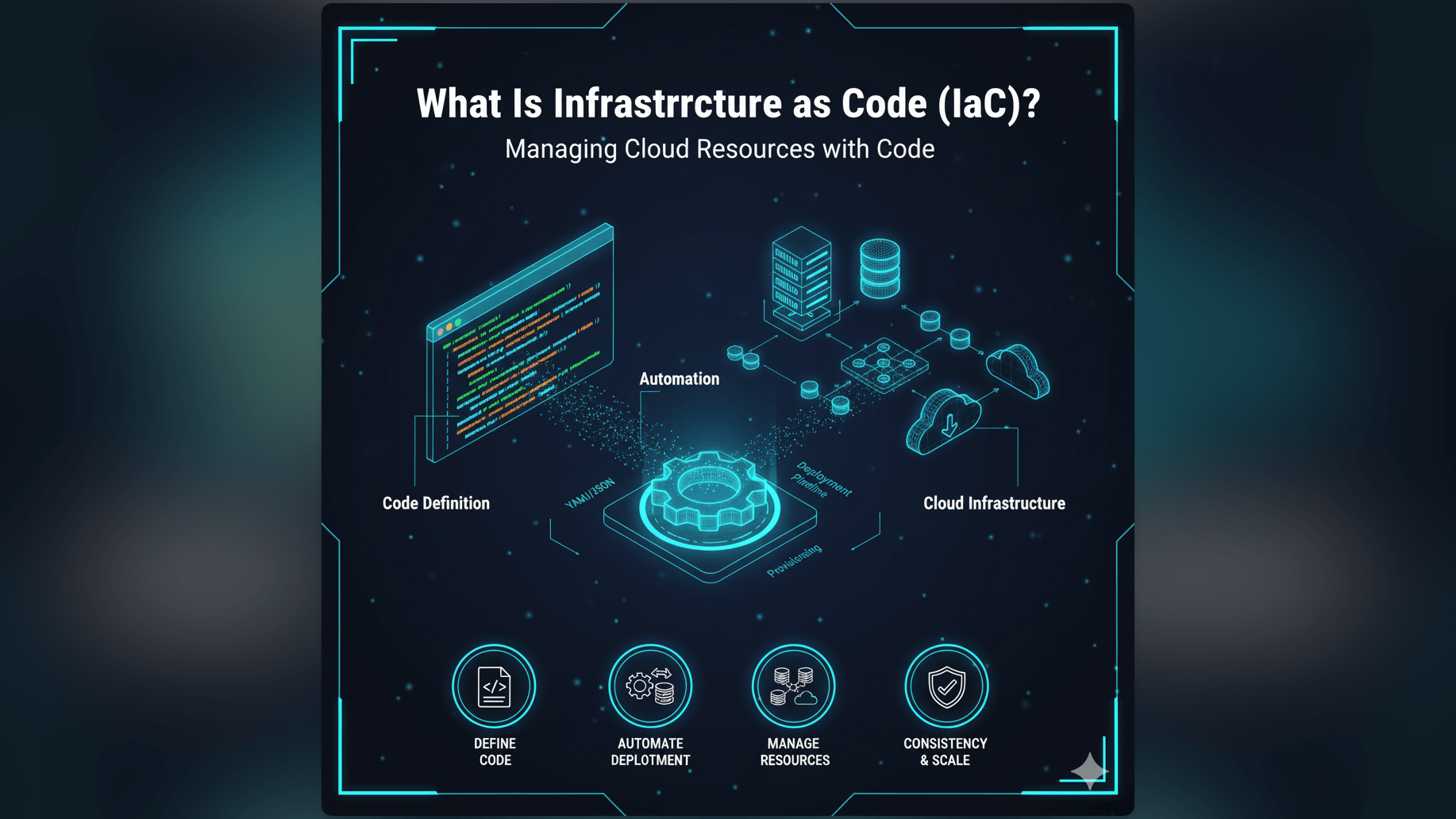
In the old days setting up a server meant physically plugging in cables and inserting installation discs. Later it meant clicking through hundreds of screens in a web console.
Infrastructure as Code - or IaC - changed everything by turning that manual labor into a software problem.
Simple Definition of Infrastructure as Code
Infrastructure as Code is the practice of managing and provisioning computer data centers through machine-readable definition files rather than physical hardware configuration or interactive configuration tools.
Put simply, it means you write a text file that describes your servers and networks. Then you run a program that reads that file and builds the servers for you. If you treat your application logic as code, IaC means treating your servers as code too. You version control it, you test it, and you deploy it via automation.
Managing and Provisioning Infrastructure Through Code
Instead of logging into the AWS Console and clicking “Launch Instance” manually, you write a script.
That script might say “I need three Linux servers and a Load Balancer.” When you run the script, the cloud provider obeys. The “state” of your infrastructure is defined in that text file, not in the dashboard.
Why IaC is Transformative for Modern Cloud Environments
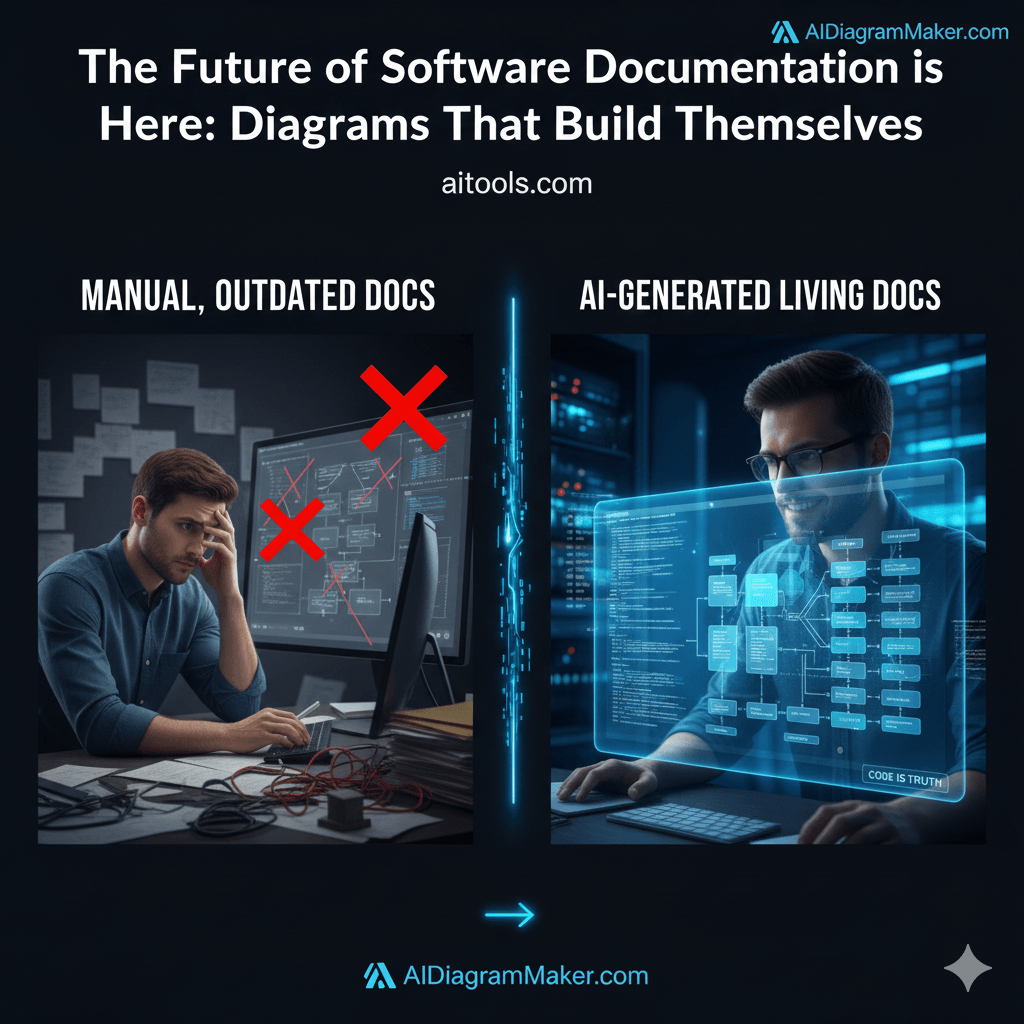
Before IaC, we had the problem of “Configuration Drift.” A sysadmin would manually tweak a setting on Server A but forget to do it on Server B. Weeks later, Server B crashes and nobody knows why.
Automation, Consistency, Version Control for Infrastructure
IaC solves this by enforcing consistency. Since the script builds the environment, every environment is identical. Your staging server looks exactly like your production server because they were built from the same blueprint.
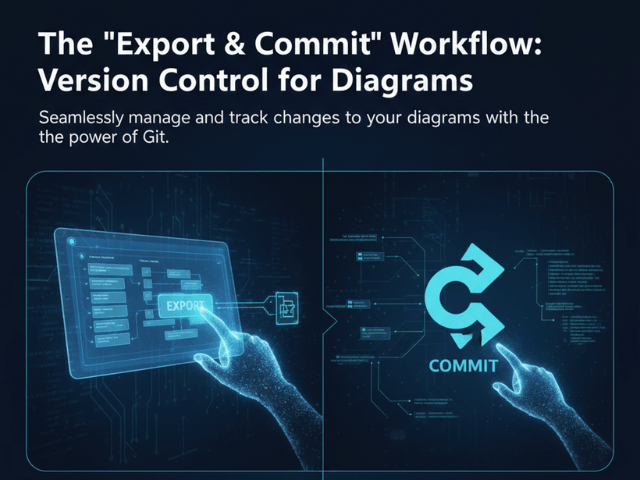
It also unlocks Version Control. You can commit your infrastructure changes to Git. If a change breaks the site, you can look at the commit history to see exactly who changed what and revert it instantly.
Enabling DevOps and Scalable Cloud Deployments
IaC is the backbone of DevOps. It allows developers to spin up their own environments without waiting for the IT department. It also allows for massive scalability: if you need to launch one hundred servers, you don’t click one hundred times. You just change a number in your code from 1 to 100 and redeploy.
Real-World Example: Defining a Cloud Server with Terraform
Terraform is a popular IaC tool. Configuration files act as infrastructure blueprints. Instead of a GUI, you might see a file like this:
resource "aws_instance" "web_server" {
  ami           = "ami-0c55b159cbfafe1f0"
  instance_type = "t2.micro"
}
This tiny snippet of text tells AWS to create a specific type of server. This file acts as the single source of truth. If the server is accidentally deleted, running this script brings it back exactly as it was.
How AI Diagram Maker Relates to IaC Principles
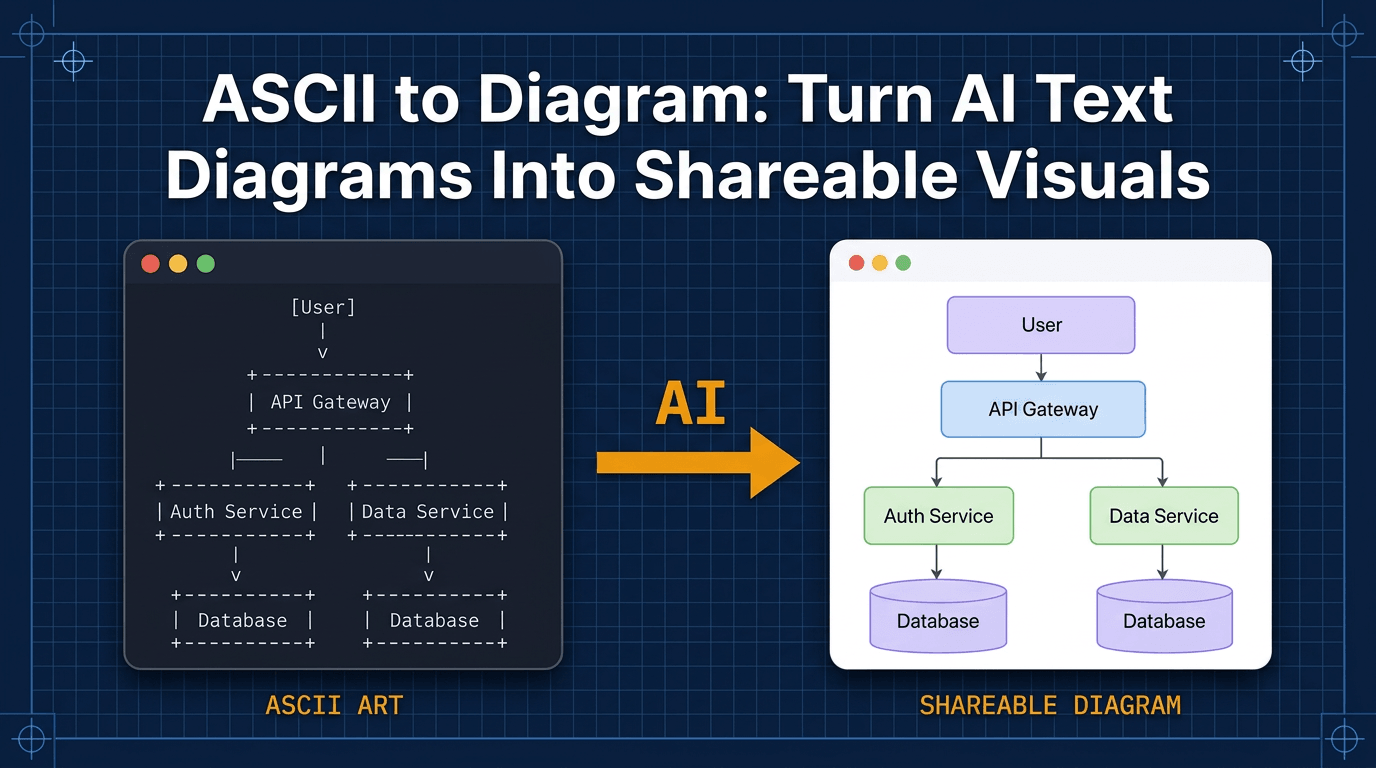
There is a strong parallel between IaC and what we do at AI Diagram Maker. IaC allows you to define infrastructure using text; we allow you to define diagrams using text.
Visualizing IaC Configurations into System Architecture Diagrams
When you are designing a system using IaC concepts, you often need to visualize what you are building. Reading a Terraform file is great for a computer but hard for a human to visualize mentally.
You can use our AI System Architecture Generator to solve this. You can describe your stack in natural language: “A VPC with public and private subnets containing an auto-scaling group of web servers.”
Our AI turns that description into a professional System Architecture Diagram. It acts as the visual counterpart to your IaC definitions, helping you document the “Big Picture” design before you write the detailed configuration code.
Related Terms
To navigate the world of cloud engineering, you should know these terms:
- DevOps: A set of practices that combines software development and IT operations. IaC is a core tool in the DevOps toolkit.
- Cloud Computing: The delivery of computing services like servers and databases over the internet.
- System Architecture Diagram: A visual model of a system’s hardware and software components. Read more about generating them in our Developer’s Guide to AI Diagramming.
- Version Control: The practice of tracking and managing changes to software code.
- Automation: The use of technology to perform tasks with reduced human assistance.